

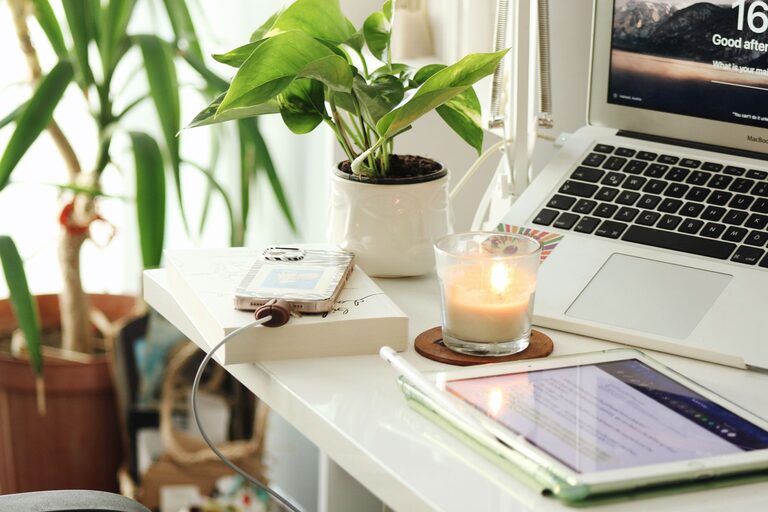
Creating a home office that is both cozy and productive can greatly enhance your work-from-home experience. Whether you’re a full-time remote worker or occasionally work from home, having a dedicated space that promotes focus and comfort is key to staying motivated and efficient. Here are some practical tips to help you design a home office that you’ll enjoy spending time in and where your productivity can thrive.
Choose the Right Location
Choosing the perfect spot for your home office is the foundation of a good workspace.
– Quiet and Private: Select a space that minimizes distractions from the rest of your household. If possible, use a spare room or a nook away from noisy areas.
– Natural Light: Position your desk near a window to take advantage of natural light. Sunlight boosts mood and concentration.
– Space to Move: Ensure there’s enough room for your desk, chair, and any other equipment you need, so you’re not cramped.
Invest in Comfortable and Functional Furniture
Comfortable furniture is essential for long hours of work.
– Ergonomic Chair: Choose an adjustable chair that supports good posture and prevents strain.
– Desk Height: Your desk should be at a height that allows your forearms to be parallel to the floor when typing.
– Storage Solutions: Include shelves, filing cabinets, or organizers to keep your workspace tidy.
Optimize Lighting
Lighting plays a big role in reducing eye strain and maintaining alertness.
– Task Lighting: Use a desk lamp with adjustable brightness to illuminate your work area.
– Avoid Glare: Adjust your monitor and lighting sources to prevent reflections and glare on your screen.
– Balanced Light: Combine natural and artificial lighting for a balanced environment.
Personalize Your Space
Adding personal touches makes your workspace inviting.
– Decor: Use artwork, plants, or meaningful items that inspire you.
– Colors: Choose calming colors, such as soft blues or greens, to create a relaxing atmosphere.
– Comfort Items: A cozy throw blanket or a small cushion on your chair can add extra comfort.
Minimize Clutter and Stay Organized
A clutter-free environment reduces distractions and improves focus.
– Daily Clean-Up: Take a few minutes at the end of each day to clear your desk.
– Organizational Tools: Use trays, baskets, or drawer organizers to keep supplies in place.
– Cable Management: Use clips or sleeves to organize cables and keep your desk neat.
Create a Work Routine
Your environment supports your routine and vice versa.
– Dedicated Work Hours: Set clear start and end times to maintain work-life balance.
– Break Area: If space allows, create a spot away from your desk to take short breaks.
– Minimize Distractions: Silence your phone or use apps that block distracting websites during work hours.
Integrate Technology Smoothly
Technology is crucial but should not overwhelm your space.
– Quality Equipment: Invest in reliable hardware like a good monitor, keyboard, and headset.
– Wireless Options: Using wireless devices can reduce cable clutter.
– Backup Solutions: Set up cloud storage or external drives to keep your work safe.
Prioritize Comfort and Wellness
Your physical and mental well-being greatly affects productivity.
– Air Quality: Keep the space well-ventilated and consider a small air purifier if necessary.
– Movement: Use a standing desk or take regular breaks to stretch and move.
– Hydration: Keep a water bottle nearby to stay hydrated throughout the day.
—
Creating a cozy and productive home office is about balancing comfort with functionality. By thoughtfully choosing your location, furniture, lighting, and personalization, you can craft a space that supports your best work and makes working from home a pleasure. Remember, the best workspace is one that feels uniquely yours and helps you stay motivated every day.